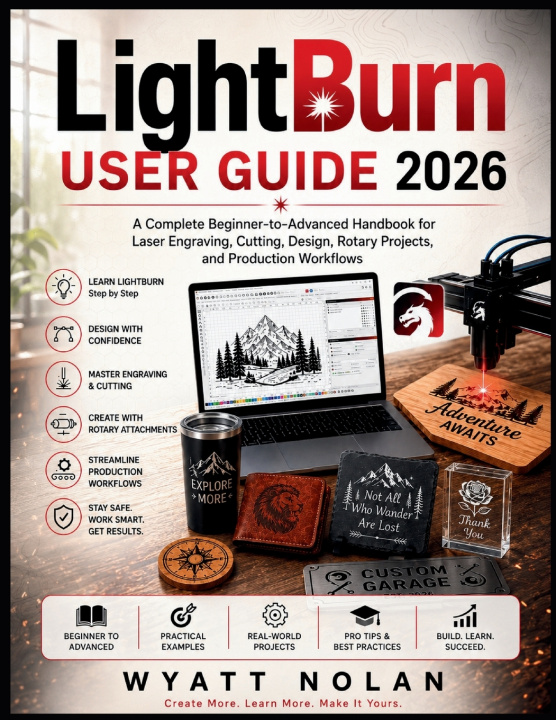
LightBurn User Guide 2026
A Complete Beginner-to-Advanced Handbook for Laser Engraving, Cutting, Design, Rotary Projects, and Production Workflows
Struggling to understand LightBurn? Want to create professional-quality laser projects without spending months watching tutorials and troubleshooting mistakes?
LightBurn User Guide 2026 is your practical, step-by-step roadmap to mastering the world's most popular laser engraving and cutting software. Whether you're a complete beginner setting up your first laser machine or an experienced maker looking to improve efficiency and production quality, this comprehensive guide provides the knowledge, workflows, and real-world techniques needed to achieve consistent, professional results.
Instead of overwhelming you with technical jargon, this book breaks complex concepts into clear, easy-to-follow lessons that help you build confidence quickly. You'll learn how to design projects, configure laser settings, optimize materials, troubleshoot common problems, and take full advantage of LightBurn's powerful productivity tools.
Inside, you'll discover how to:
- Install, license, and configure LightBurn correctly
- Connect and set up diode, CO₂, fiber, and other supported laser systems
- Navigate the LightBurn interface with confidence
- Create designs using built-in drawing and editing tools
- Add, customize, and optimize text for laser projects
- Import and prepare SVG, DXF, PDF, PNG, and JPG artwork
- Master layers, cut settings, engraving operations, and workflow organization
- Understand power, speed, focus, passes, and air assist settings
- Build reliable material libraries for repeatable results
- Prepare photographs and images for high-quality engraving
- Position, frame, preview, and run jobs accurately
- Use advanced vector editing tools including node editing, offsets, welding, and Boolean operations
- Improve productivity with alignment tools, arrays, nesting, and efficient material usage
- Set up and calibrate rotary attachments for tumblers, bottles, and cylindrical objects
- Install and configure LightBurn camera systems for visual positioning
- Generate QR codes, barcodes, serial numbers, and variable data projects
- Streamline production workflows and reduce costly material waste
- Complete popular laser projects including signs, plaques, keychains, photo engravings, and custom products
- Diagnose and solve common engraving, cutting, connection, and calibration issues
- Follow essential laser safety practices and machine maintenance procedures
- Continue developing advanced laser skills long after finishing the book
Packed with practical examples, troubleshooting guidance, project exercises, workflow tips, and real-world applications, this guide is designed to become the reference manual you'll return to again and again.
Whether your goal is creating personalized gifts, building a profitable laser business, producing custom products, or simply getting the most from your laser machine, this book will help you work smarter, avoid common mistakes, and achieve better results with every project.
Stop guessing. Start creating with confidence. Scroll up and grab your copy of LightBurn User Guide 2026 today and unlock the full potential of your laser engraving and cutting system.